CHANNEL HOME ARCHITECTURE
How Should a YouTube Home Tab Be Structured?
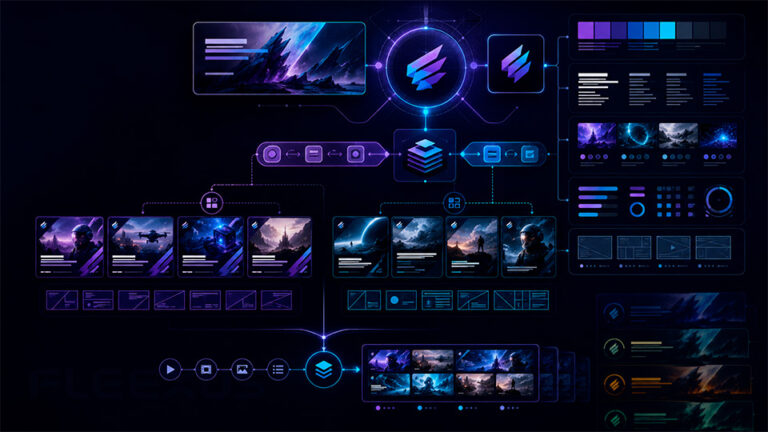
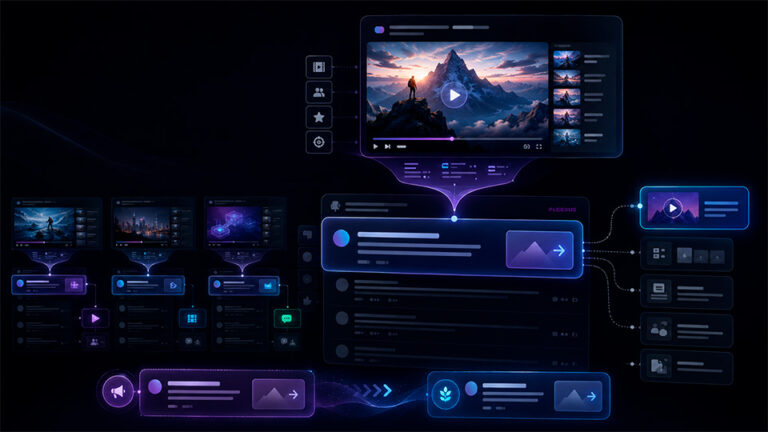
A YouTube channel Home tab should help different viewers find the right next video quickly. It is not simply a place to display every playlist or upload. It is the navigation layer between the channel’s positioning, catalog and viewer intent.
Fleexus structures channel Home tabs around viewer journeys, featured content, high-value playlists, recurring formats and the way the catalog actually needs to be explored.
The objective is to reduce choice friction: make the channel understandable to a first-time visitor, useful to a returning viewer and scalable as the video library grows.
01 · NEW VISITORS
Explain the Channel Fast
A channel trailer and the first visible sections should help a new visitor understand what the channel offers and where to start exploring.
02 · RETURNING VIEWERS
Surface the Next Relevant Watch
Returning viewers may need featured content, current releases, familiar series or a clearer path deeper into the catalog rather than another introduction to the channel.
03 · CATALOG
Turn the Library Into Navigable Paths
Sections and playlists should organize the catalog around meaningful viewer choices instead of simply reproducing the upload feed in several different forms.
VIEWER JOURNEY
The Home Tab Should Answer “What Should I Watch Next?”
A large channel can contain hundreds or thousands of videos, but a visitor should not need to understand the entire catalog structure before finding something relevant.
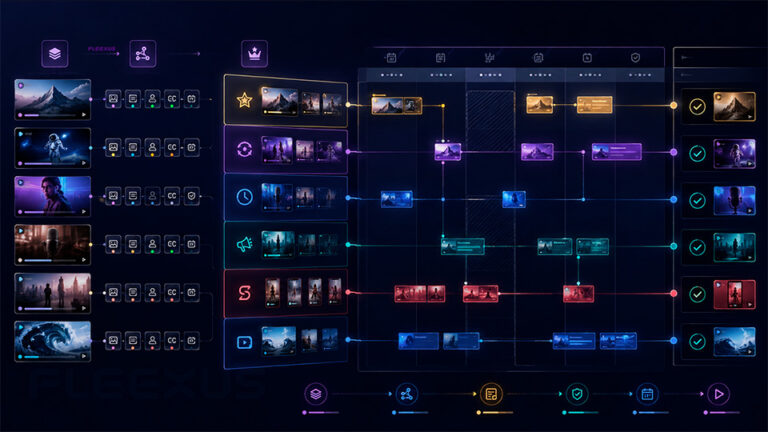
We organize the Home tab around decision points: new versus returning viewer, flagship versus recurring content, current releases versus evergreen library, broad category versus specific series, and personalized versus editorially selected discovery.
The first sections deserve the strongest strategic attention because they communicate what the channel considers important. Lower sections can expand choice without overwhelming the first screen.
The result is a channel homepage that functions more like a curated content gateway and less like an automatic archive.
HOME TAB SYSTEM
What We Optimize
YouTube provides several Home tab components. We decide which of them actually serve the channel’s content model and in what order they should appear.
01 · TRAILER
Channel Trailer Strategy
Select or define the right introduction for viewers who have not subscribed, with a clear relationship between channel positioning and the content they can explore next.
Introduce the value, then lead into the catalog.
02 · FEATURED
Featured Video for Returning Viewers
Choose the video or release that deserves priority exposure to returning subscribers instead of showing the same entry point to every type of visitor.
Returning viewers need a reason to continue.
03 · SECTIONS
Section Selection & Ordering
Choose the most useful Home tab sections and order them according to channel priorities, viewer intent and catalog structure rather than filling every available slot.
More sections do not automatically improve discovery.
04 · PLAYLISTS
Playlist Placement
Surface playlists that create meaningful content journeys — by topic, series, genre, audience need, franchise or another structure viewers can understand quickly.
Use playlists as navigation, not storage.
05 · PERSONALIZATION
“For You” Section Strategy
Evaluate whether YouTube’s personalized “For you” section belongs in the channel’s Home architecture and where it should sit relative to editorially controlled content paths.
Combine editorial structure with personalization.
06 · CATALOG
Large-Library Architecture
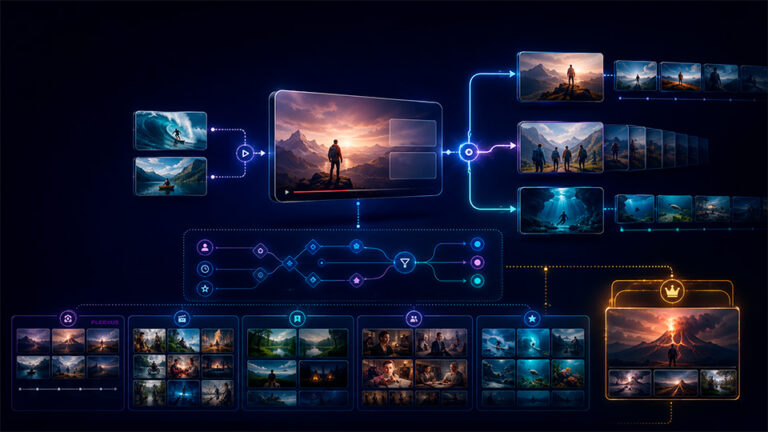
Structure large catalogs so flagship titles, current releases, recurring formats and deeper archive content each receive an appropriate level of visibility.
The homepage should simplify a large library.
SECTION STRATEGY
You Do Not Need to Use Every Available Section
YouTube allows multiple custom Home tab sections, but capacity is not the same as useful information architecture. The right number depends on how much choice the viewer actually needs.
HIGH-VALUE SECTIONS
Every Row Should Have a Discovery Job
- Introduce the channel
- Surface current priority content
- Lead into a flagship series
- Separate major genres or formats
- Help new viewers find an entry point
- Help returning viewers continue watching
- Expose evergreen catalog value
- Support personalized discovery where useful
COMMON PROBLEM
Too Many Similar Sections Create Choice Friction
Latest videos, uploads, several overlapping playlists and repeated content categories can expose many videos without actually helping the viewer decide what to watch.
We remove redundant rows, strengthen the hierarchy of the remaining sections and use the first part of the Home tab for the decisions that matter most.
PERSONALIZED DISCOVERY
Where the “For You” Section Fits
YouTube’s “For you” section can personalize the mix of channel content shown to an individual viewer based on that viewer’s watch history.
This makes it different from a manually curated playlist or fixed content row. Editorial sections communicate what the channel wants to prioritize; personalized sections can help individual viewers discover content that may be more relevant to their own viewing behavior.
For some channels, those systems complement each other. A clear editorial structure can establish priority content first, while personalization adds another discovery layer deeper in the Home tab.
The section can also be configured around more recent content, which may be useful when a large legacy library should not dominate the personalized entry point.
DELIVERABLES & OUTCOMES
What You Receive
The final deliverable is a practical Home tab architecture that can be implemented in YouTube Studio and maintained as the catalog changes.
HOME TAB DELIVERABLES
A Complete Channel Home Structure
- Current Home tab audit
- Viewer-journey assessment
- Channel trailer recommendation
- Featured video / Spotlight strategy
- Recommended section hierarchy
- Playlist placement recommendations
- Current release and evergreen-content balance
- “For you” section recommendation where appropriate
- Redundant-section cleanup
- Large-catalog organization recommendations
- Ongoing layout maintenance rules
EXPECTED OUTCOMES
A Clearer Path Into the Channel Catalog
Faster channel understanding
New visitors can identify what the channel offers and where they should begin.
Better catalog navigation
Sections and playlists guide viewers toward meaningful categories and series instead of presenting a flat archive.
Stronger priority exposure
Current releases, flagship content and strategic playlists receive placement that reflects their importance.
More maintainable structure
The Home tab can evolve according to defined rules instead of being rebuilt reactively every time the catalog changes.
WORKFLOW
How Channel Home Optimization Works
Channel & Catalog Audit
We review the current Home tab, catalog size, major content families, playlists, publishing model and the sections already being used.
Viewer Journey Definition
We identify the main entry paths for new visitors, returning viewers and audiences interested in different parts of the catalog.
Featured Content Strategy
We define the role of the channel trailer, returning-viewer featured video and priority content that should receive immediate exposure.
Section Architecture
We select, order and simplify Home tab sections according to viewer intent, content priorities and the relationships between playlists, formats and releases.
Maintenance Framework
We define which rows should remain stable, which should rotate with new releases and when the layout should be reviewed as the channel and catalog evolve.
TURN THE HOME TAB INTO A CONTENT GATEWAY
Help Viewers Find the Right Video Faster
If your Home tab has grown into a long list of uploads and overlapping playlists, we can restructure it around viewer journeys, priority content and a catalog hierarchy that is easier to explore.
CLIENT FIT
Who This Service Is For
STRONG FIT
Built for Channels With More Than One Viewer Path
- Channels with large video libraries
- Media companies and entertainment publishers
- Film and series catalogs
- Channels with multiple genres or formats
- Brands with several content pillars
- Channels using many playlists
- Publishers managing recurring series
- Channels that frequently rotate priority releases
IMPORTANT DISTINCTION
The Home Tab Is Navigation — Not a Guaranteed Growth Lever
A better layout can make the catalog easier to understand and help viewers discover more relevant content, but it does not guarantee additional views by itself.
The effectiveness of the Home tab still depends on the strength of the videos, thumbnails, titles, playlists and overall content proposition it is organizing.
ENGAGEMENT MODELS
Engagement Options
AUDIT
Channel Home Audit
Review the existing Home tab, identify redundant or weak sections and recommend a clearer hierarchy around the current catalog.
RESTRUCTURE
Complete Home Tab Architecture
Design a new viewer journey across trailer, featured content, playlists, custom sections and personalized discovery options.
ONGOING · CURATION
Ongoing Channel Home Management
Maintain and rotate featured content, priority playlists and strategic sections as new releases arrive and the catalog evolves.
CATALOG ARCHITECTURE
Why Fleexus
Channel Home optimization is most valuable when it reflects the real structure of the catalog. Fleexus approaches the Home tab as part of the wider publishing and content architecture rather than as an isolated customization screen.
01
Viewer Journey Before Section Count
We decide what a viewer needs to discover first and only then select the rows required to support that path.
02
Catalog Logic Before Decoration
The strongest Home tab begins with meaningful content organization, not simply arranging available modules into a visually full page.
03
Built for Ongoing Curation
We distinguish stable catalog architecture from sections that should rotate with launches, seasons, campaigns or changing editorial priorities.
FAQ
Channel Home Layout Optimization FAQ
What is the YouTube channel Home tab?
The Home tab is the customizable channel landing area where creators can feature selected videos and organize content into sections such as playlists, videos, Shorts, live content and other supported formats.
What is the difference between a channel trailer and a featured video?
A channel trailer can be used as an introduction for viewers who have not subscribed, while a separate featured video can be presented to returning subscribers. They can therefore support different viewer journeys.
How many Home tab sections should a channel use?
There is no ideal number for every channel. YouTube supports multiple custom sections, but we recommend using only the rows that have a clear discovery or navigation role rather than filling every available position.
What should appear near the top of the channel Home page?
The answer depends on the channel, but the first visible areas usually deserve the strongest priorities: an appropriate featured entry point, flagship or current content and the most useful path into the catalog.
What is the “For you” section?
“For you” is a personalized Home tab section that can present content from the channel based on the individual viewer’s watch history. It can complement manually curated sections rather than replacing the channel’s editorial structure.
Should every playlist appear on the Home tab?
No. Playlists are most useful on the Home tab when they represent a meaningful viewer path, major series, topic, genre or content category. Large playlist libraries do not need to be duplicated in full on the channel homepage.
Can the Home layout change for new releases?
Yes. Some sections can remain stable while featured content or selected rows rotate according to new releases, campaigns, seasonal priorities or changes in the catalog.
Does optimizing the Home tab guarantee more views?
No. A better Home architecture can improve clarity and content discovery for people visiting the channel, but it cannot guarantee additional views. Video quality, packaging, audience demand and recommendation behavior remain critical.