INTERNAL CONTENT ROUTING
How Should End Screens and Cards Be Structured?
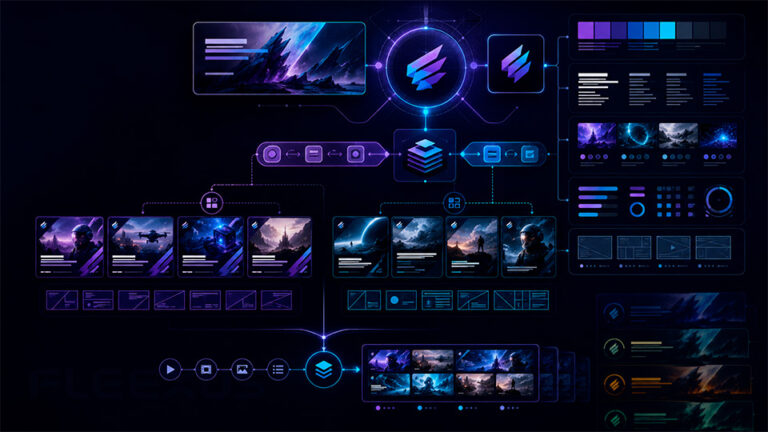
End screens and cards should not be added as isolated publishing tasks. Together, they can form a structured routing layer that connects one video to the most relevant next piece of content across the channel catalog.
Fleexus plans and implements these pathways around content relationships, viewer context, series structure, playlists, catalog priorities and the role each video plays inside the wider channel.
The objective is simple: when a useful next step exists, make that path intentional rather than leaving every video as a dead end.
01 · CONTEXT
Cards During the Viewing Journey
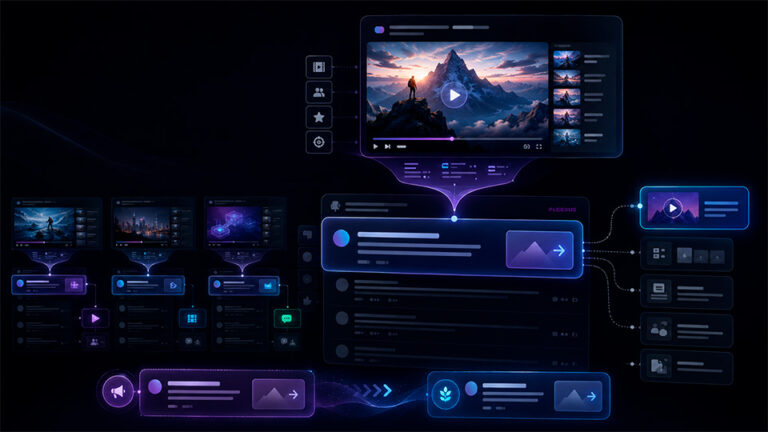
Use cards where another video, playlist, channel or eligible destination genuinely extends what the viewer is already watching.
02 · COMPLETION
End Screens at the Natural Transition Point
Use the end of the video to direct viewers toward the strongest relevant continuation: another video, a playlist, a channel relationship or subscription action.
03 · SYSTEM
Repeatable Routing Across the Catalog
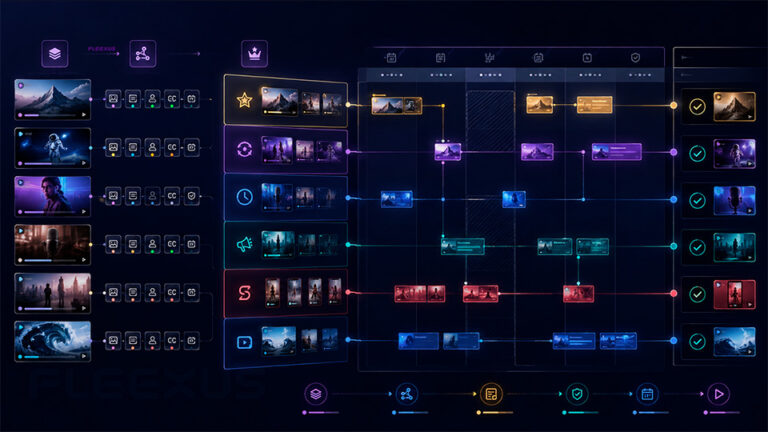
For large libraries, define routing rules by series, franchise, topic, format or content lifecycle instead of making every linking decision from zero.
VIEWER FLOW
Every Video Can Be Part of a Larger Content Journey
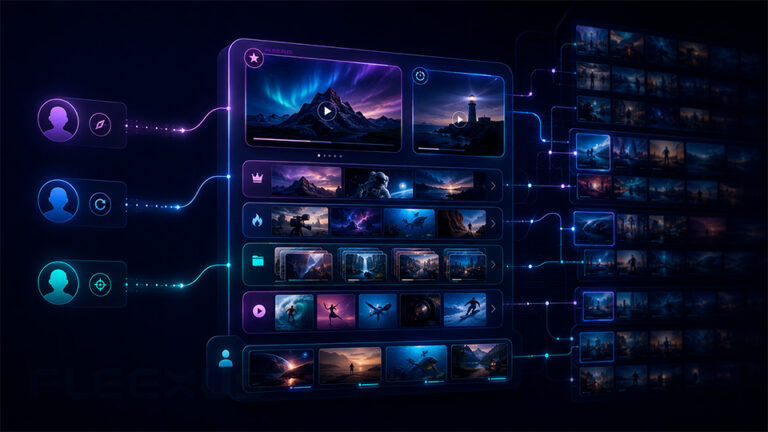
A viewer may enter the channel through search, recommendations, a playlist, an external link or an older catalog video. The first video they watch does not have to be the end of that journey.
We map logical relationships between videos and use YouTube’s available interactive elements to expose those relationships at appropriate moments.
A film can lead to another title in the same genre. An episode can lead to the next episode or series playlist. A tutorial can point to a prerequisite or advanced lesson. A campaign video can route to the next stage of the content sequence.
The routing logic should follow the viewer’s likely next need — not simply promote whatever video the channel most recently uploaded.
ROUTING SYSTEM
What We Implement
The implementation can range from optimizing a defined set of priority videos to establishing repeatable rules for a large publishing catalog.
01 · END SCREENS
Next-Video Strategy
Select the strongest continuation for the end of a video using specific videos, playlists or YouTube’s viewer-oriented recommendation option where appropriate.
The next click should have a reason.
02 · CARDS
Contextual In-Video Routing
Place relevant cards at moments where another piece of content adds useful context, expands the subject or offers a logical continuation without turning the video into a sequence of interruptions.
Context first, promotion second.
03 · PLAYLISTS
Playlist Continuation Paths
Route viewers into relevant playlists when the value is not one isolated next video but a structured sequence, series, genre or topic collection.
Use the catalog as a journey, not a list.
04 · SERIES
Episode & Franchise Routing
Define repeatable continuation rules for episodic content, franchises, recurring formats and related titles where the intended next watch is structurally predictable.
Make sequence logic explicit.
05 · PRIORITIES
Release & Catalog Priorities
Balance evergreen continuation logic with current priorities so new releases can receive additional exposure without breaking useful long-term routing across older videos.
Separate temporary promotion from permanent architecture.
06 · SCALE
Large-Catalog Implementation Rules
Build repeatable logic by content family so hundreds or thousands of videos can be managed systematically instead of receiving unrelated one-off decisions.
Turn manual linking into a governed system.
CARDS VS END SCREENS
Two Tools, Two Different Moments in the Viewer Journey
Cards and end screens should support the same wider content architecture, but they solve different routing problems.
INFO CARDS
A Contextual Path During the Video
- Related video referenced in the content
- Supporting playlist
- Earlier or prerequisite episode
- Associated channel
- Eligible external destination where applicable
- Additional context at a meaningful moment
Cards work best when the reason for the link is already present in the viewer’s current context.
END SCREENS
A Continuation Path After the Video
- Specific next video
- Series or topic playlist
- Viewer-oriented video recommendation
- Subscription action
- Related channel
- Eligible external destination where applicable
The end screen should answer the viewer’s next question after the current video has delivered its value: where should I go from here?
CATALOG LOGIC
Large Catalogs Need Routing Rules — Not Thousands of Independent Decisions
Manual optimization does not scale well when a channel contains hundreds or thousands of videos. The solution is to classify content relationships and establish reusable routing rules.
An episodic series may normally route forward in sequence. A movie catalog may route by genre, franchise, actor collection or editorial playlist. Educational content may move from introductory to advanced topics. Evergreen videos may point toward the strongest currently relevant continuation.
Temporary campaigns can then be layered on top of the permanent system without requiring the underlying catalog architecture to be redesigned every time a new release arrives.
This creates a routing framework that can be documented, implemented and maintained by a publishing team at scale.
END-SCREEN READINESS
The Video Itself Should Leave Space for the Next Action
End-screen implementation is stronger when the final seconds of the video were designed with interactive elements in mind. If important visual information, credits or key subjects occupy the same space, the overlays can compete with the content instead of supporting it.
PRODUCTION-READY
Design the Ending With Routing in Mind
- Reserve useful visual space
- Avoid critical content beneath interactive elements
- Coordinate the spoken or visual CTA with the next action
- Keep the ending long enough for the viewer to make a choice
- Use repeatable ending structures where production volume requires them
EXISTING CATALOG
Work Within the Existing Video Master
Older videos may not have been produced with end-screen placement in mind. We can still select appropriate elements, timing and routing, but the available composition of the final seconds determines how cleanly those elements can be integrated.
For future production, reusable end-screen-safe layouts can remove this constraint and simplify implementation across new releases.
DELIVERABLES & OUTCOMES
What You Receive
The deliverable can include both the routing architecture and hands-on implementation inside the channel, depending on the size and scope of the engagement.
IMPLEMENTATION DELIVERABLES
A Structured Internal Routing System
- Existing end-screen and card audit
- Content-relationship mapping
- Priority-video routing strategy
- Series and playlist continuation rules
- Card destination recommendations
- Card timing recommendations
- End-screen destination strategy
- End-screen timing and placement
- Hands-on implementation where included
- Large-catalog routing rules
- Future-production recommendations
- Ongoing maintenance framework
EXPECTED OUTCOMES
Clearer Paths Through the Content Library
More intentional next-watch opportunities
Relevant videos and playlists are surfaced where a continuation naturally exists.
Stronger series navigation
Episodic and related content can follow repeatable pathways instead of relying on viewers to search for the next part manually.
Better use of older catalog content
Evergreen and library videos can become useful entry points into other parts of the channel.
More scalable channel operations
Defined routing rules reduce the number of one-off decisions required as the catalog grows.
WORKFLOW
How End Screen & Card Implementation Works
Catalog & Existing Setup Audit
We review the current use of cards and end screens, the structure of the catalog, playlists, series relationships and priority content.
Content Relationship Mapping
Videos are grouped according to meaningful continuation paths such as episode sequence, topic, franchise, format, audience need or editorial priority.
Routing Rules
We define when to use a specific video, playlist, viewer-oriented recommendation, card or other available destination according to the role of each content group.
Implementation
Cards and end screens are configured for the agreed video scope with appropriate destinations, placement and timing.
Review & Maintenance
The system can be reviewed as new content arrives, priorities change and permanent catalog pathways need to be updated.
CONNECT EACH VIDEO TO THE NEXT RELEVANT WATCH
Turn Isolated Videos Into Connected Viewer Pathways
If your catalog contains related videos, episodes, playlists or recurring formats but viewers are left to discover those relationships themselves, we can build a structured internal routing system around the library.
CLIENT FIT
Who This Service Is For
STRONG FIT
Built for Channels With Connected Content
- Film and series catalogs
- Episodic channels
- Educational content libraries
- Channels with multiple recurring formats
- Media companies with large archives
- Franchise and genre-based catalogs
- Channels using strategic playlists
- Publishers operating hundreds or thousands of videos
IMPORTANT DISTINCTION
More Links Do Not Automatically Create Better Viewer Flow
Adding cards to every video or filling every available end-screen position can create more options without improving the viewer’s decision.
We prioritize relevance and clarity. Some videos may need several deliberate pathways; others may work better with one obvious continuation or no in-video card at all.
ENGAGEMENT MODELS
Engagement Options
AUDIT
End Screen & Card Audit
Review existing implementation, identify broken or weak routing patterns and define improvements for priority content and catalog groups.
IMPLEMENTATION
Priority Catalog Setup
Plan and implement cards and end screens across a defined set of important videos, series, playlists or current releases.
ONGOING · SCALE
Catalog Routing Management
Maintain repeatable routing rules and implementation across an active publishing catalog as new videos, series and priorities are introduced.
CONTENT ARCHITECTURE
Why Fleexus
End screens and cards become more useful when they are managed as part of the wider channel architecture. Fleexus approaches implementation through content relationships, catalog structure and repeatable publishing operations rather than treating every link as an isolated setting.
01
Relevance Before Promotion
We prioritize the continuation that makes sense for the viewer rather than using every interactive element as another advertising slot.
02
Catalog Logic Before One-Off Links
Related videos, playlists, series and franchises are mapped into repeatable routing patterns that can remain useful as the library grows.
03
Built for Operational Scale
The system can support both individual priority releases and large libraries where implementation needs documented rules, repeatability and ongoing maintenance.
FAQ
End Screens & Cards FAQ
What is the difference between a YouTube card and an end screen?
A card can provide a contextual link while the video is being watched. An end screen appears near the end of an eligible video and is designed to give the viewer a next action after the current content is finishing.
What can an end screen promote?
Depending on the channel and eligibility, YouTube end screens can include elements such as videos, playlists, subscription prompts, channels and supported external links.
Should every video use the same end screen?
Not necessarily. A repeatable template can simplify production, but the destination should still reflect the video’s role. Different series, topics or content families may require different routing rules.
Should every video contain cards?
No. Cards are most useful when another destination is genuinely relevant to the moment or subject. Adding unnecessary cards can create more interruption without creating a better viewer path.
Can you implement end screens across an existing catalog?
Yes. We can work with a selected priority group or a larger catalog. For large libraries, we normally begin by defining content groups and routing rules so implementation remains consistent and maintainable.
What should episodic content link to?
Where the viewing sequence is clear, the next episode or an appropriate series playlist is often the most logical path. The exact structure depends on how the content is organized and published.
Do videos need to be edited specifically for end screens?
Existing videos can use end screens if they meet YouTube’s requirements, but future videos can be produced with cleaner end-screen-safe endings that reserve visual space and coordinate the final call to action with the intended next step.
Do end screens and cards guarantee more views?
No. They provide additional navigation opportunities but do not guarantee that viewers will click or continue watching. The relevance and strength of the destination content remain essential.